Google Play Store PC
Google Play is Google's digital distribution platform. On Windows, Google offers Play content through the browser and Google Play Games on PC.
52.9 MB
iMyFone MirrorTo is a Windows program from iMyfone that mirrors an Android phone or iPhone screen to a PC and lets you control it with mouse and keyboard.
Average 0.0 · ratings: 0
Thank you! Your rating is saved; you can change it. Could not save the rating. Please try again later. Too many ratings from your network today. Please try again tomorrow. The average appears after 5 ratings.
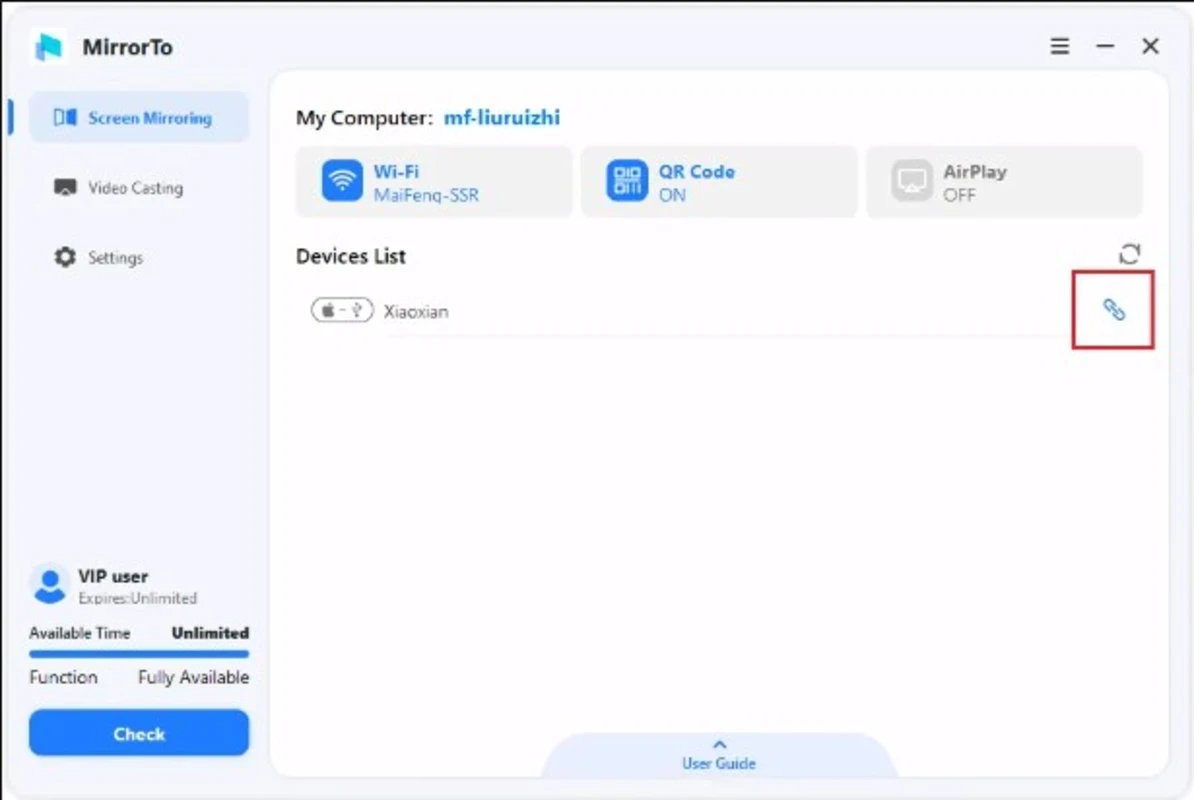
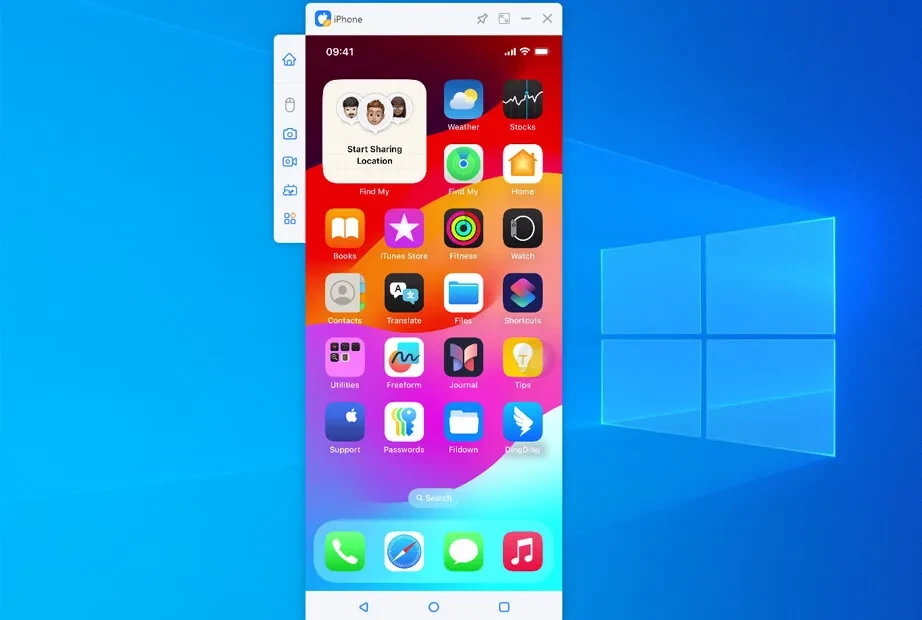
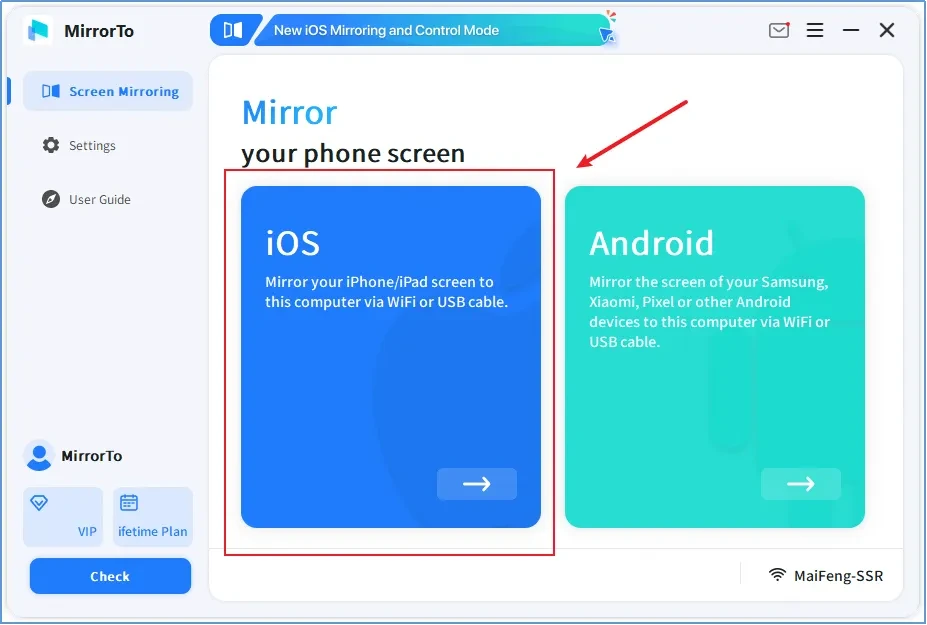
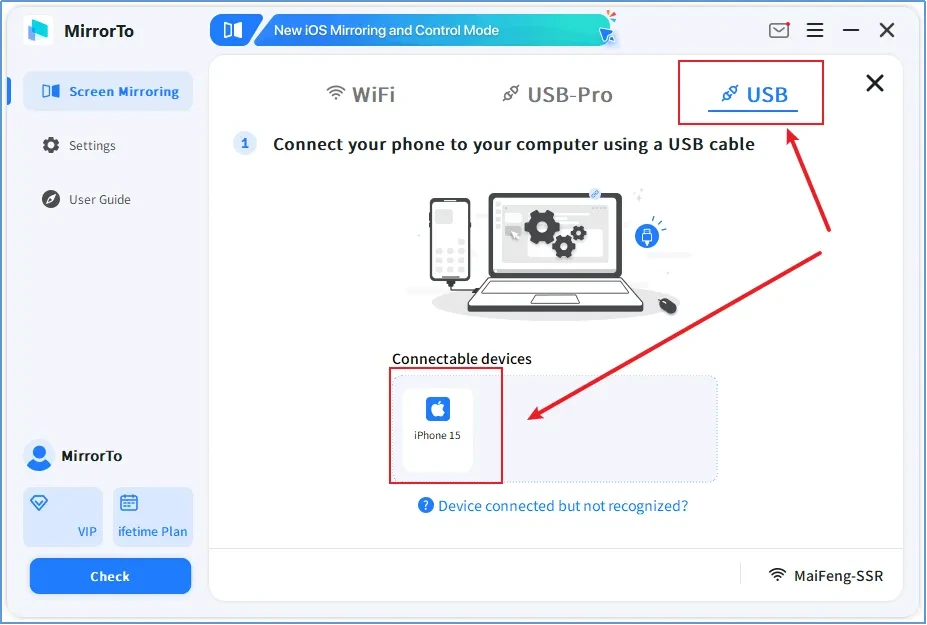
iMyFone MirrorTo 3.7.7 is a Windows program from iMyfone Technology Co., Ltd that shows your phone's screen on a computer. It works with Android phones and iPhones and, depending on the device and connection, lets you control the phone with the PC's mouse and keyboard. You can download iMyFone MirrorTo for Windows from imyfone.com; the small download fetches the rest of the program during installation.
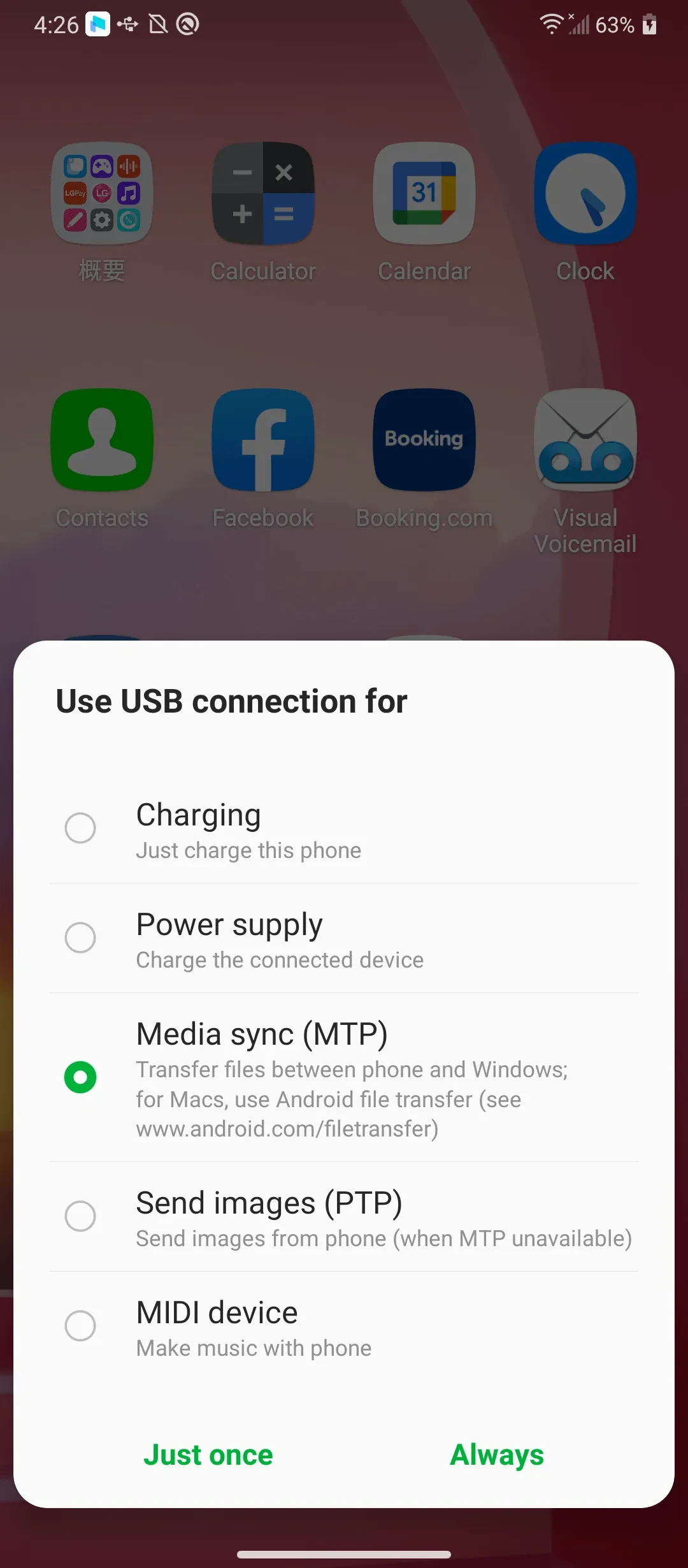
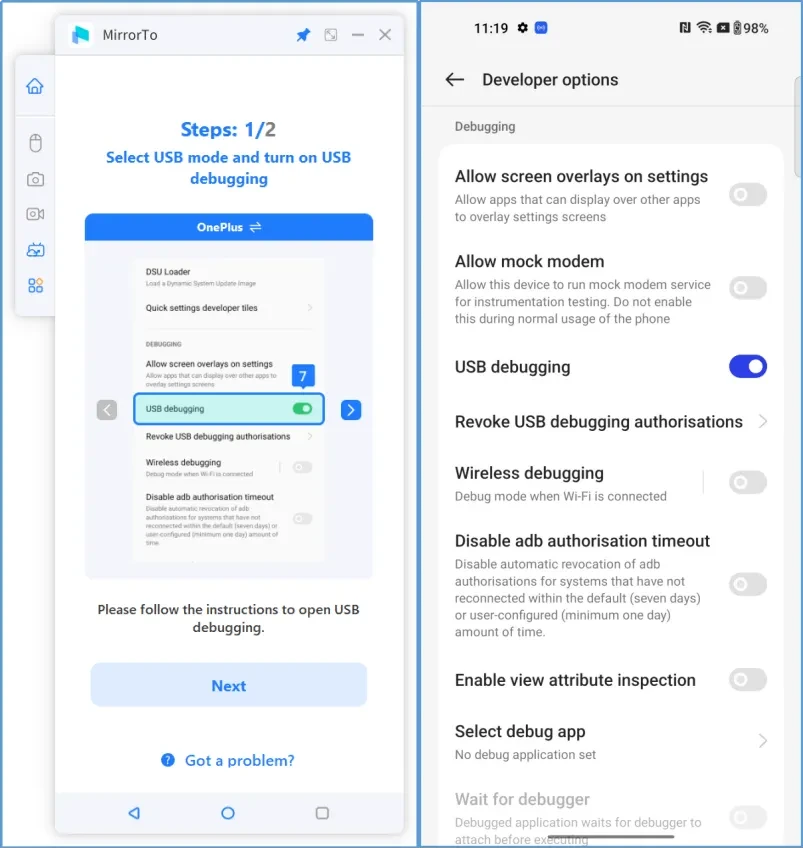
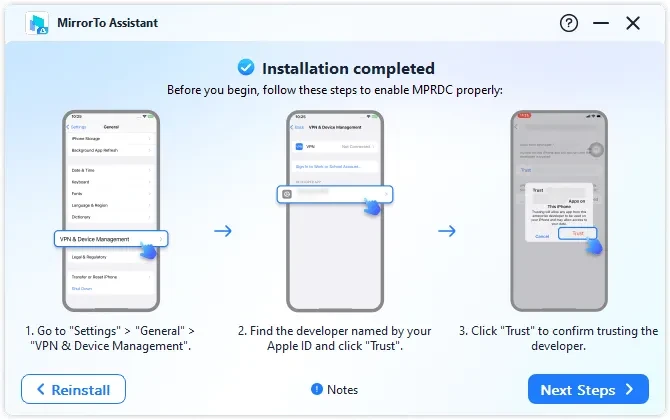
Screen mirroring solves several everyday problems. Gamers play mobile games on a bigger screen and use the keyboard for controls. People who spend the workday at a PC answer phone messages and notifications without picking up the phone. Presenters and teachers show an app live to an audience, and support staff walk someone through a setting while recording the screen. Content creators capture phone gameplay or app demos directly on the computer. MirrorTo aims to make this approachable: connect the phone by USB cable or over Wi-Fi, follow the on-screen steps, and the phone appears in a window you can resize. Control from the PC is usually easier to set up on Android, where USB debugging makes it possible, than on iPhone, where Apple limits what outside software can do. If you only need to show a phone on a TV, simpler casting tools may be enough.
| Item | Details |
|---|---|
| Version | 3.7.7 |
| Developer | iMyfone Technology Co., Ltd |
| Platform | Windows |
| Licence | free to download; check the vendor's plans for full features |
| Download | about 2.75 MB according to catalogue data |
The download is free, but iMyfone sells licences for full use; compare what the free mode offers with your needs before buying. Mirroring shows everything on the phone, including messages and banking apps, so close private apps before presenting. Turn off USB debugging when you are done. Never use "cracked" versions of mirroring tools: they have deep access to your phone and are a common way to spread malware.
For showing a PC or phone on a TV, our listings include 1001 TVs: Screen Mirroring. Samsung Flow links Samsung phones with Windows PCs, and emulators such as BlueStacks run Android apps directly on the computer.
Google Play is Google's digital distribution platform. On Windows, Google offers Play content through the browser and Google Play Games on PC.
Media Creation Tool is a free Microsoft utility that downloads Windows and turns it into a bootable USB flash drive or an ISO file.

LDPlayer is an Android emulator for Windows that runs mobile apps and games on a computer.

BlueStacks is an Android emulator for Windows that lets you run Android apps and games on your PC.
Rufus is a free Windows utility that turns a USB stick into a bootable installer. The current version is 4.15.

PC App Store is a free software store for Windows from Baidu for finding, installing and updating PC programs. This page covers version 5.0.1.8682.

Uptodown App Store for Windows is the desktop client of Uptodown, a marketplace for desktop software and mobile apps. This page covers version 1.0.3.
NoxPlayer is a free Android emulator from Bignox for Windows and macOS that runs mobile games and apps on a computer with keyboard and mouse control.